



Starting February 1, 2026, WhatsApp will no longer be compatible with several iPhone and Android models, as it will limit its operation to certain versions of the operating systems.
In the case of Apple devices, the application will only be available for models with iOS 15.1 later versions, while users of phones with the Google operating system must have Android OS 5.0 or higher.
According to Meta, the selection of compatible operating systems is reviewed periodically, taking into account frequent changes in devices and software.
Every year, older devices and versions are evaluated, especially those with fewer users or without recent security updates.The decision also responds to the need to guarantee the functionality and security required for the correct functioning of WhatsApp.

By restricting its compatibility to devices with iOS 15.1 or later, WhatsApp will stop working on iPhone models that cannot be updated to this version of the operating system.
This means that iPhone 6, iPhone 6 Plus and earlier models will no longer be compatible with the application.
WhatsApp will no longer be compatible with Android cell phones that do not have Android OS 5.0 (Lollipop) or a later version.This means that all devices running older versions such as Android 4.4 KitKat, Android 4.3 Jelly Bean, Android 4.2, Android 4.1 and older versions will no longer be able to use the app.

Some examples of cell phones that are often left out of support include models released before 2014 such as:
These devices cannot be officially updated to Android 5.0, so WhatsApp will stop working on them.If the phone does not allow you to install a version equal to or greater than Android 5.0, the only alternative to continue using WhatsApp will be to change to a more recent model.
If your cell phone is no longer compatible with WhatsApp, the application recommends following some steps to avoid losing access to your messages.
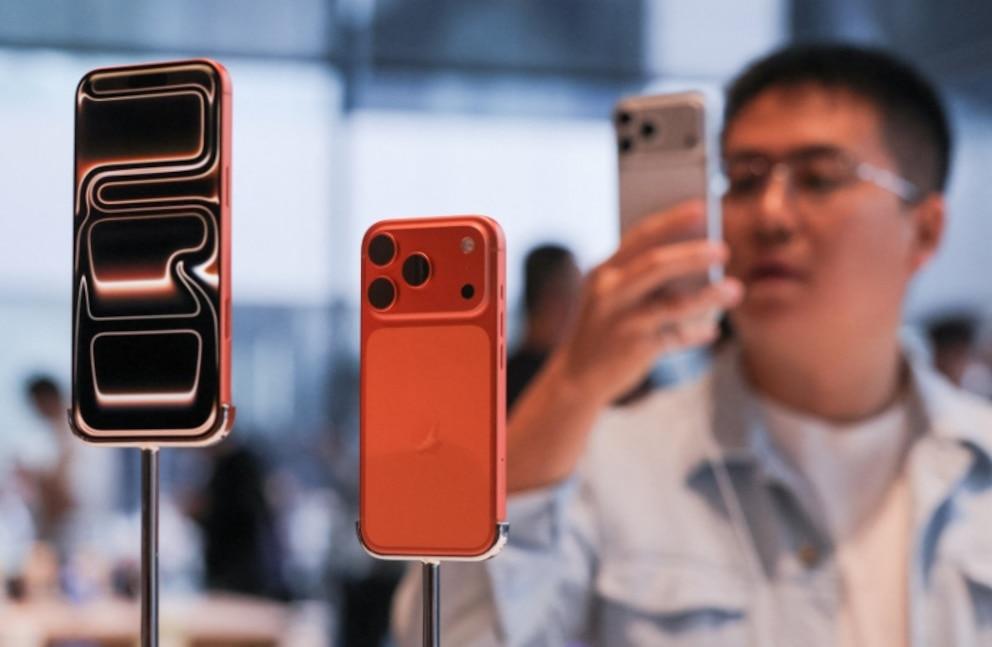
Before support for your operating system ends, you will receive notifications within WhatsApp, reminding you repeatedly of the need to update the device or software.
WhatsApp stops working on some cell phones mainly for reasons of compatibility, security and technological evolution.As devices and operating systems advance, the application needs to adapt to continue offering an efficient and secure service.
Older phones, which cannot be updated to recent software versions, often lack the features and security updates necessary to support new application features.
Every year, WhatsApp analyzes which operating systems and devices have the fewest active users.
Those models that no longer receive manufacturer support or security updates are left out of the compatibility list, since their use could put privacy and the proper functioning of the service at risk.
WhatsApp launches ‘strict account settings’, a function designed to reinforce the security and privacy of users against cyber attacks.
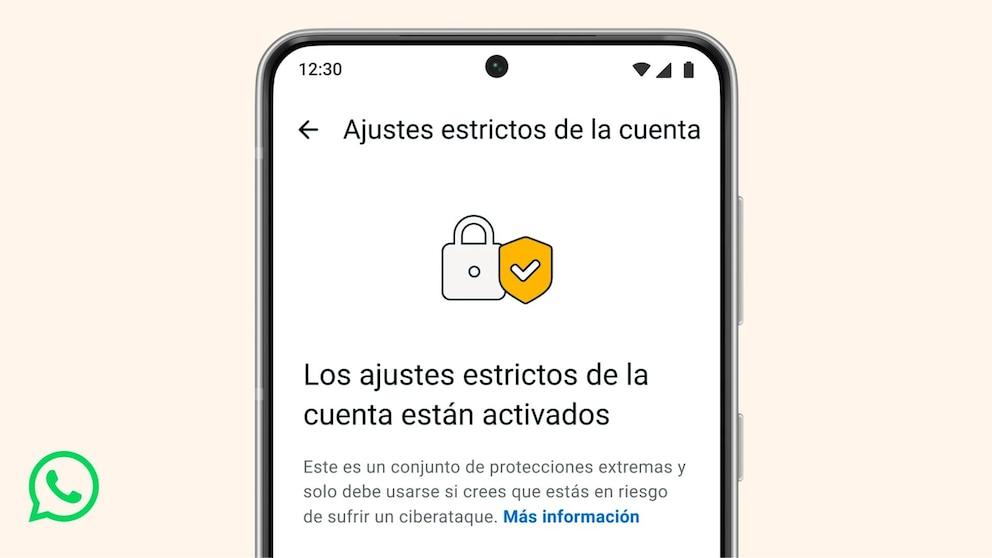
This option has already begun to be implemented and will be gradually available in the coming weeks for Android and iOS users.To activate it, you must enter Settings > Privacy > Advanced options within the application.
By enabling ‘strict account settings’, WhatsApp will automatically apply advanced protection measures, such as blocking attachments and media from people not on your contact list, removing link previews, silencing calls from unknown numbers, and restricting group invitations.
Additionally, enable two-step verification, limit profile visibility, and forward calls from WhatsApp servers to protect the user’s IP address.

