


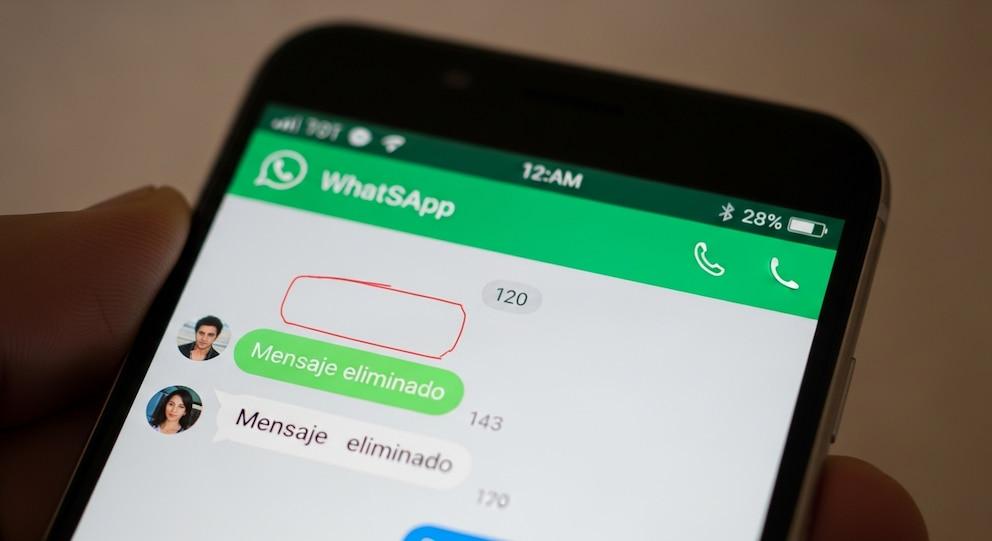
WhatsApp has allowed you to delete messages sent by mistake for years, but now there is a method to view the content of these deleted texts, without installing external applications.The procedure, which works on Android phones with recent versions.
The trick that has become popular on social networks and technological forums takes advantage of a function integrated into Android, the notification history, which allows you to recover part of the deleted message as long as this option is activated before receiving the message.
This method is useful because it does not depend on third-party software, which often involves invasive permissions or privacy issues.

The Android notification system stores a brief, chronological record of all alerts received, including those from WhatsApp.
If the function is activated, the mobile saves the notification text even if the sender deletes the message in the chat.This feature is only available on Android starting with version 11 and does not work on iOS devices.
This method only allows you to view short text messages (up to around 100 characters), it does not support multimedia files, audio or videos, and the information remains available for about 24 hours.
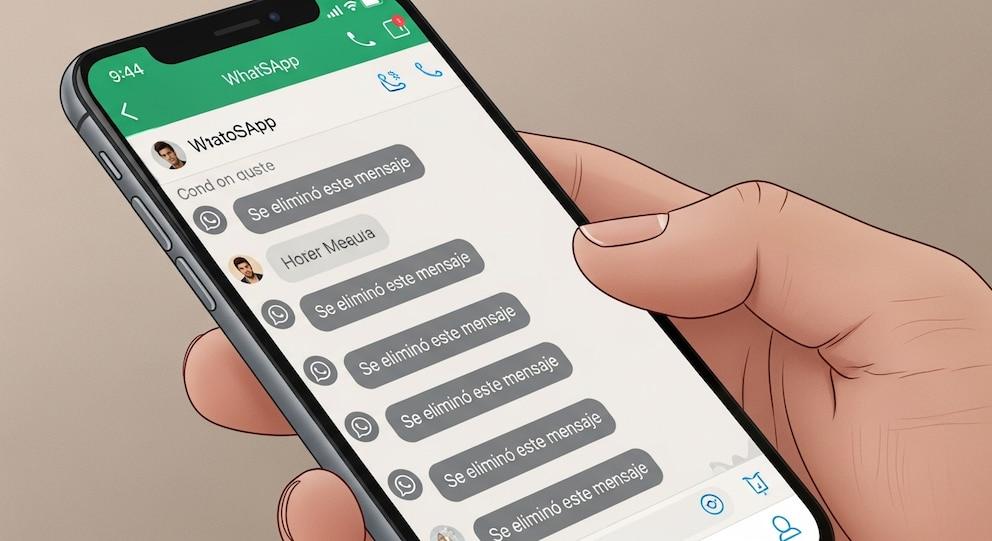
There are external applications that promise to recover deleted messages, but most request excessive permissions or expose the user to security problems.The notification history method is safe because it uses a native feature of the operating system and does not require installing additional programs.
In addition to the curiosity about deleted messages, it is common for WhatsApp to consume a large amount of space on the phone.Keeping storage optimized helps avoid crashes and slowness.
To delete old backup files:

To clear messages from a specific chat:
Carrying out these processes regularly helps keep the mobile agile and reduces the probability of errors related to lack of space.Although WhatsApp does not have a traditional trash can, these procedures allow you to manage storage efficiently and protect relevant information.
Adopting good digital management practices, such as taking advantage of native functions and avoiding external applications, improves the user experience and reinforces device security.Thus, it is possible to satisfy curiosity about deleted messages and keep the phone in optimal condition for daily communication.

